· ming · Guides · 8 min read
EverBee Chrome Extension: What It Shows on Etsy (Free vs Paid, 2026)
What does the EverBee Chrome extension show on Etsy search and listings? A plain-English guide to Product Analytics columns, free Hobby limits, paid sales data, and desktop-only caveats—based on EverBee's Help Center.
Affiliate disclosure: This guide contains affiliate links to EverBee. If you sign up for a paid plan through them, SellerImageAI may earn a commission at no extra cost to you.
The EverBee Chrome extension is how most people first meet EverBee: you search on Etsy, click Product Analytics, and a table of listing metrics appears on the page. This guide explains what those columns mean, what the free Hobby plan shows vs what requires Growth or Business, and the limits that matter before you pay.
Everything below comes from EverBee’s official Help Center, pricing page and Chrome Web Store listing. We have not run our own hands-on test of the extension for this article.
Quick answer
- Install is free. Add the extension from the Chrome Web Store, create an EverBee account, and connect an Etsy account (buyer or seller).
- On Etsy search, Product Analytics overlays listing data such as price, views, reviews, favorites, listing age—and, on paid plans, estimated monthly sales, monthly revenue, total sales and conversion rate.
- Hobby (free) does not include sales or revenue. Per EverBee’s pricing page (checked October 13, 2026), Hobby includes Product Analytics for views, reviews and favorites, plus 10 keyword searches. Sales, revenue and conversion rate start on Growth.
- The numbers are estimates, not Etsy transaction data. EverBee’s own explainer calls them “a guide, not exact results.”
- Desktop Chrome only for the extension. EverBee says the web dashboard works on tablet/phone browsers; the extension that sits on Etsy pages works on laptops and desktops.
What the EverBee Chrome extension is for
EverBee has two main surfaces:
- The web app (EverBee Research) — product, keyword and shop research in your browser at everbee.io.
- The Chrome extension — the same research idea while you browse Etsy: open a search, run Product Analytics, and read metrics next to the listings you’re already looking at.
EverBee’s Help Center notes that Product Analytics is also available inside the EverBee Research account. The extension is the on-page shortcut, not a separate product.
You don’t need an open Etsy shop. EverBee states you only need an Etsy account (seller or buyer) connected to EverBee. That’s useful if you’re still validating niches before listing anything.
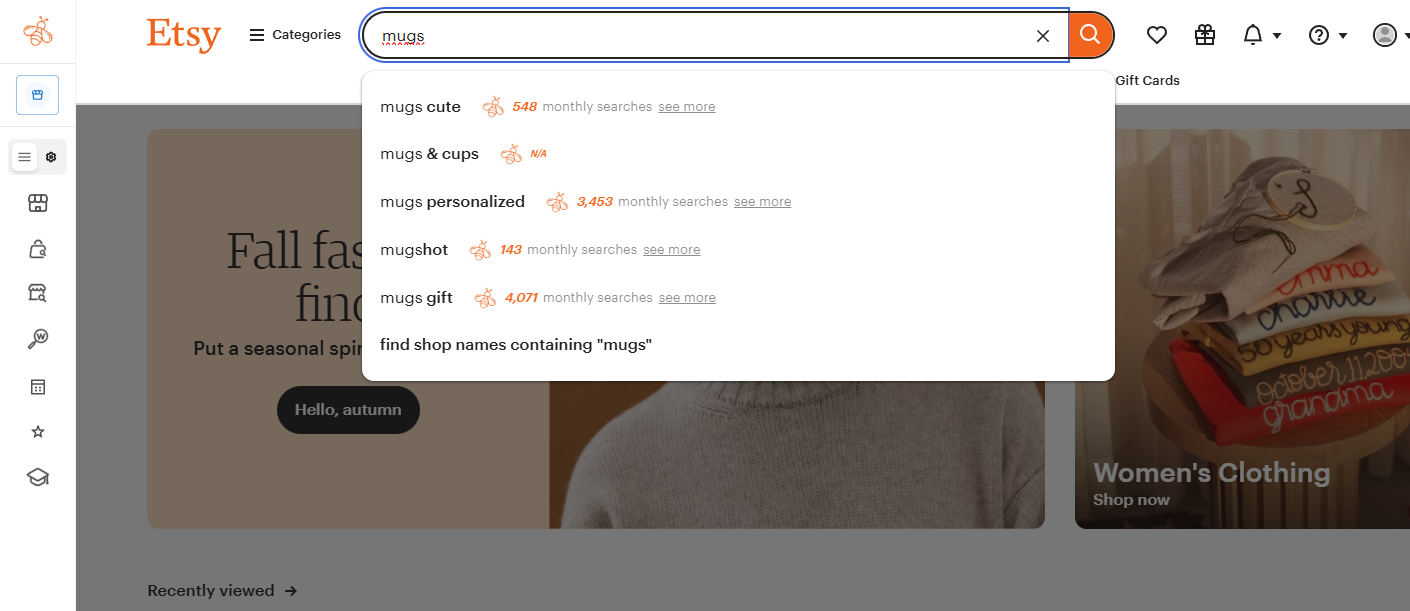
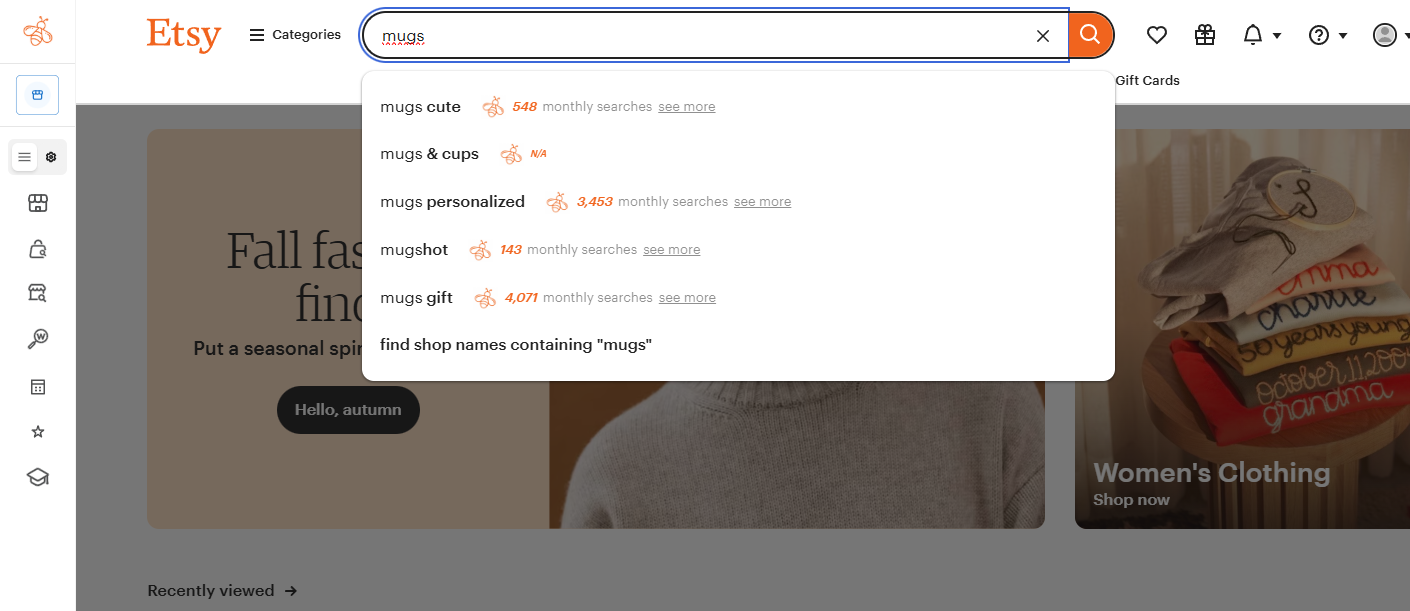
Image: EverBee Chrome extension on Etsy search (from SellerImageAI’s EverBee review assets). Exact UI can change as EverBee updates the extension.
How to set it up (high level)
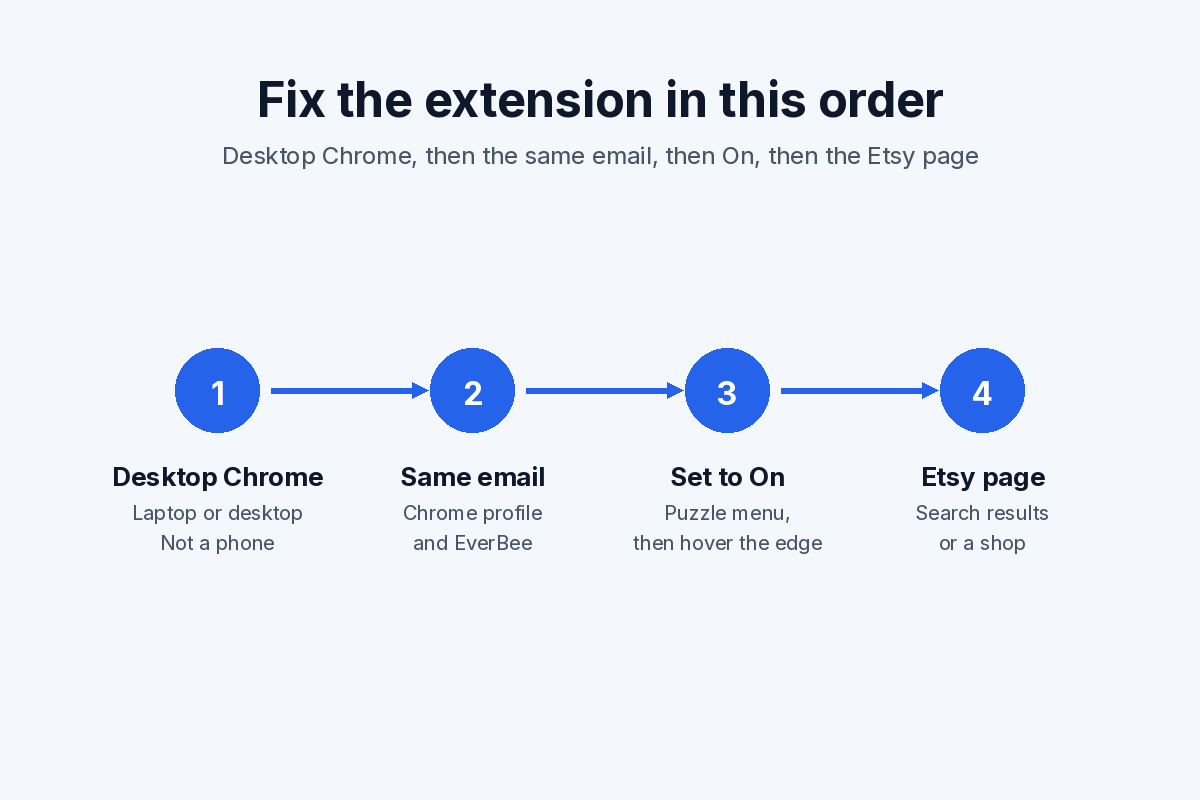
Official flow, summarized from EverBee’s site and Help Center:
- Install EverBee – Find Best Selling Products on Etsy from the Chrome Web Store.
- Sign up for EverBee (Hobby needs no credit card, per the pricing FAQ).
- Connect an Etsy account. EverBee’s shop connection guide covers linking a shop; a buyer account is enough if you don’t have a shop yet.
- Search on Etsy, then open Product Analytics from the extension / EverBee UI on that page.
If the table shows no rows, EverBee’s troubleshooting docs (for example EverBee isn’t working – No Rows) recommend checking that the extension is installed and enabled, then reconnecting if needed.
A missing sidebar, blank tags, or a table that keeps spinning has its own symptom list in EverBee Chrome extension not working. This page stays on what the columns mean.
Try EverBee’s free Hobby plan →
What each Product Analytics column means
EverBee documents the table headings in Understanding the Headings & Data and Product Analytics. Here’s the plain-English version:
| Column | What EverBee says it is |
|---|---|
| Product name | Exact listing title on Etsy |
| Shop name | Shop selling the listing |
| Price | Listing price (discounts not applied in the headings article) |
| Mo. Sales | Estimated monthly sales (Help Center: total sales ÷ listing age) |
| Mo. Revenue | Estimated monthly revenue (Help Center: price × Mo. Sales) |
| Total Sales | Estimated units sold since the listing was created |
| Reviews | Review count for the listing |
| Listing Age | Months since the listing was created |
| Favorites | Favorites count |
| Views | Total views for the listing |
| Shop Age | Months since the shop was created |
| Category | Listing category |
| Visibility Score | How the listing’s daily views compare to others (Product Analytics article) |
| Conversion Rate | Total sales ÷ total views (Product Analytics article) |
Action buttons on rows, per the headings article: Favorite (save the listing), Calculator (profit calculator on the Etsy page; see how the EverBee Etsy Fee Calculator works), and View on Etsy.
From the same Product Analytics docs you can also:
- Switch toward the EverBee Database view to analyze more listings for the keyword (EverBee describes going beyond the first page of Etsy search results).
- Open Tag Analytics for related keywords with volume, competition and Keyword Score (score is a paid feature—see our EverBee keyword research guide).
- Use filters, export (CSV emailed to your EverBee account address), currency and customize columns.
- Open a listing for trends (windows such as last 30 days, 3/6/12/24 months, and all time)—trends are a paid capability on the pricing page.
Free Hobby vs paid: what the extension actually unlocks
The extension itself is free to install. What you see inside it follows your EverBee plan. From the pricing page as of October 13, 2026:
| Hobby | Growth | Business | |
|---|---|---|---|
| Price | Free forever | Paid; check current price on the official pricing page | Paid |
| Product Analytics | Views, reviews, favorites | Adds sales, revenue, conversion rate | Same core analytics + fuller trend patterns |
| Keyword Research | 10 keywords | Unlimited + Keyword Score | Unlimited + Keyword Score |
| Trends & growth rate | — | Last month to all time on individual listings | Listings and research tables; 3/6/12/24 months and beyond |
| Advanced filters / Tag Analyzer | Basic filters only | 3 Hot Filters + Tag Analyzer | Unlimited custom filters + Tag Analyzer |
| Favorites | 5 keywords, 5 shops, 1 custom folder | 1,000 keywords, 100 shops, 10 folders | Unlimited |
| Credit card to start | Not required | Required to upgrade | Required to upgrade |
EverBee’s pricing FAQ also says there is no free trial of paid plans—Hobby is the free trial. Premium Product Analytics tools are called out in the Help Center as Growth/Business only.
Practical takeaway: use Hobby to learn the UI, check views/favorites/reviews and run a few keyword searches. Upgrade when you need estimated sales/revenue to compare niches, or unlimited keyword research with Keyword Score.
For a dedicated Hobby vs Growth breakdown, see EverBee Hobby vs Growth. For competitor context, see our EverBee Review 2026.
Limits and caveats worth knowing
- Estimates can be wrong. EverBee explains that Etsy doesn’t share exact sales history with third parties. The model uses public signals (views, favorites, listing dates, prices and related data). A listing with lots of views/favorites but poor conversion can be overestimated; a strong converter can be underestimated.
- Monthly sales is an average, not last-30-days truth. Help Center math is total sales ÷ listing age—so a seasonal spike can look smoother (or flatter) than it felt in real life.
- Desktop-only overlay. Research on a phone is possible via the EverBee website; the on-Etsy extension is for laptop/desktop Chrome.
- Hobby caps bite quickly. Ten keyword searches and five saved shops are fine for a first niche check, not for ongoing research.
- Removing the extension doesn’t cancel a paid plan. Uninstalling it from Chrome only removes the overlay; billing continues until you cancel in your EverBee account. See how to cancel your EverBee subscription.
- UI changes. Extension version on the Chrome Web Store listing we checked was 9.1.19 (updated September 28, 2026). Screenshots and button labels can drift; trust the in-product labels and Help Center if something moved.
If your goal is simply “how do people estimate competitor sales,” start with How to see Etsy sales of other sellers—this extension guide is the deeper look at EverBee’s on-page tool.
A simple research workflow on Etsy
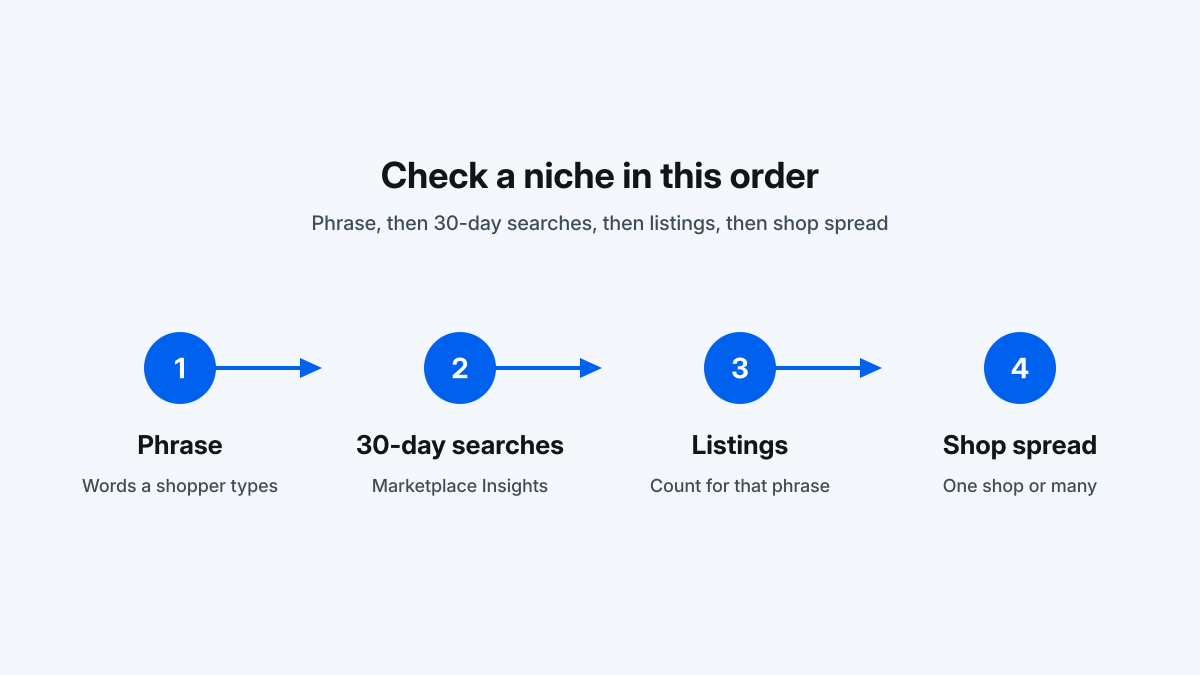
- Pick a niche phrase and search it on Etsy in desktop Chrome.
- Run Product Analytics on that search.
- On Hobby, sort/scan by views, favorites and reviews to spot attention magnets; note listing age so you don’t treat a five-year-old favorite farm like a new hit.
- On Growth/Business, compare Mo. Sales / Mo. Revenue and conversion rate, then open promising rows for tags and trends.
- Cross-check a few keywords in EverBee Keyword Research (or Etsy’s own Marketplace Insights if you have Shop Manager).
- Treat every sales figure as a ranking signal between listings, not a forecast of your income.
Open EverBee and install the Chrome extension →
FAQ
Is the EverBee Chrome extension free?
Yes. Installing it is free and it works with the free Hobby plan. Estimated sales, revenue and conversion rate inside Product Analytics still require Growth or Business, per EverBee’s pricing page.
What does EverBee show on an Etsy listing or search?
Product Analytics shows listing metadata and engagement metrics. Paid plans add estimated monthly sales, monthly revenue, total sales, conversion rate and trend views. Tag Analytics surfaces related keywords with volume and competition.
Can I use the EverBee extension without an Etsy shop?
Yes. EverBee says you can connect a regular Etsy buyer account. You only need an Etsy account linked to EverBee.
Does the EverBee extension work on mobile?
The Chrome extension that overlays Etsy pages is for laptops and desktops. EverBee says you can use the everbee.io dashboard in a mobile or tablet browser.
How accurate are the sales numbers in the extension?
They are algorithmic estimates. EverBee describes them as a guide. Use them to compare listings in the same niche, not to predict exact revenue. More detail is in our sales-estimate guide.
Is Keyword Score available in the Chrome extension?
Keyword Score lives in EverBee’s keyword / Tag Analytics tooling and is listed on Growth and Business, not Hobby. See how EverBee calculates Keyword Score.
Related guides
- EverBee Review 2026: pricing, free plan and accuracy
- EverBee Hobby vs Growth: free plan limits
- EverBee Shop Analyzer: how to analyze a competitor Etsy shop
- How to see Etsy sales of other sellers
- How EverBee calculates Keyword Score
- EverBee vs eRank for beginners
Last updated: October 13, 2026. Prices and plan limits cited from EverBee’s pricing page on that date.