· ming · Guides · 9 min read
How to Take Product Photos for Etsy: Phone Steps + Rules
How to take product photos for Etsy: one unedited real-background photo first, then the shots you may edit, with each step mapped to the current Help rule.
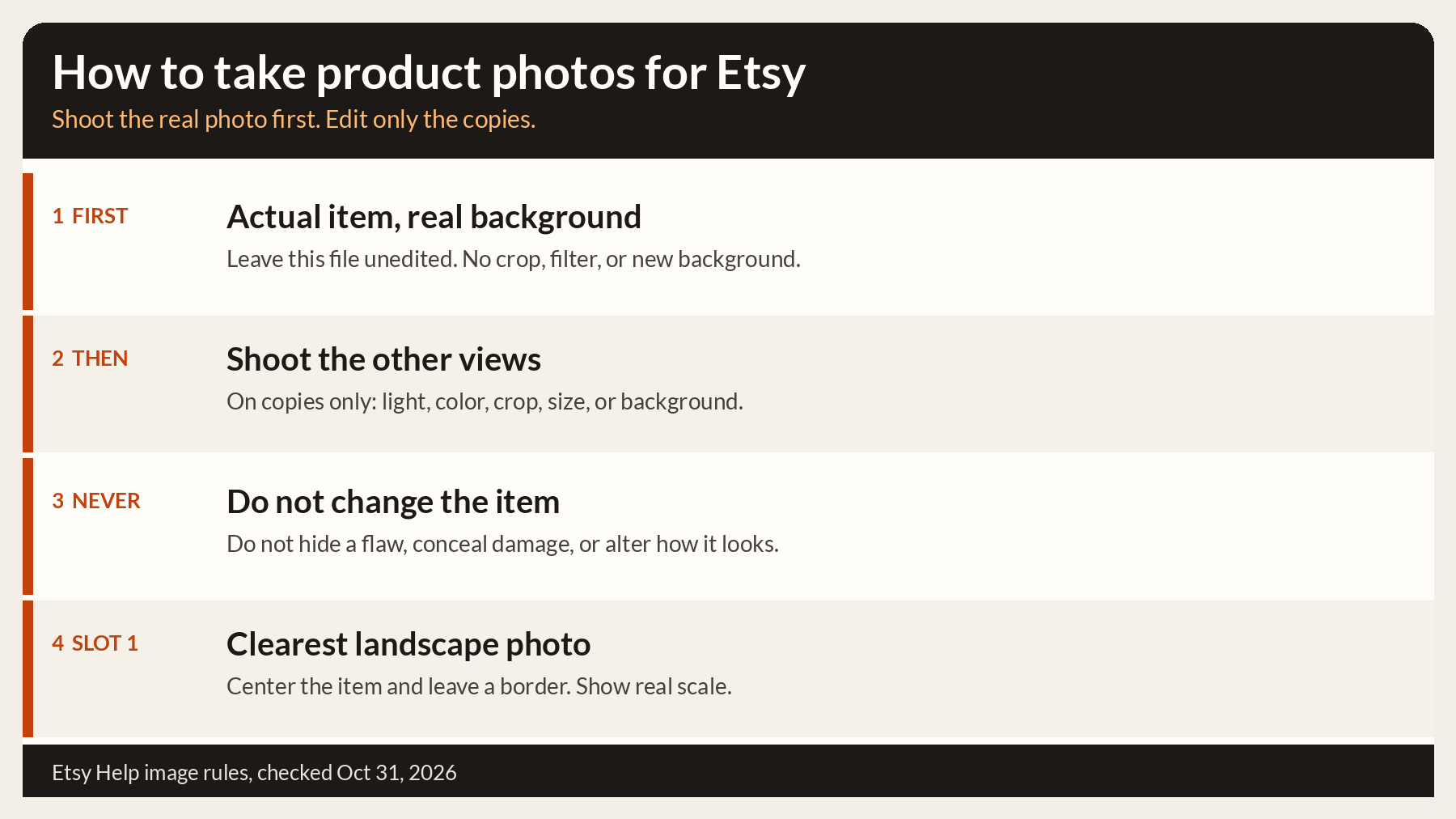
How to take product photos for Etsy with a phone: photograph the actual item on a real background and leave that file untouched, then photograph the other views you are allowed to edit. Keep the first photo a clear landscape frame with the item centered and a border around it, show real scale, show only features the item has, and stay inside the up to 20 photos a listing can hold. We compiled this from Etsy Help pages checked on October 31, 2026, without test listings; figures below are as of October 31, 2026.
How to take product photos for Etsy: shoot-to-rule steps
Shoot in this order. “Must” is a line the Help page states as a requirement. “Recommended” is a line it states as guidance. “Allowed” and “Not allowed” are the edit boundary. “Limit” is the slot cap, and you do not have to fill it.
| Shooting step | Etsy rule | Must or recommended | What the Help page says | Source |
|---|---|---|---|---|
| Photograph the actual item on a real background, and do not edit that file. | Unedited photo | Must. Some exceptions may apply, by item type. | ”at least one unedited photo of the actual item against a real background, meaning the photo hasn’t been edited or changed in any way. Some exceptions may apply depending on the types of items you sell.” | Image requirements |
| On the other files only, adjust light or color, crop, resize, or change the background. | Edits besides the unedited photo | Allowed | ”you can still use photo-editing tools, including AI, to adjust lighting or color, crop or resize images, or change backgrounds.” | Image requirements |
| Do not hide a flaw or make the item look different from the one you ship. | Accurate item | Not allowed | ”You can’t use editing to hide flaws, conceal damage, or edit an item’s appearance to make it look different from what the buyer will receive.” | Image requirements |
| Show true color, condition, scale, and materials. Add a scale photo. Show only a feature the item really has. | True appearance | Must | ”All images must accurately reflect the item’s true appearance, including color, condition, scale, and materials.” Also: “You can’t use images that create false expectations about what the buyer will receive.” | Image requirements |
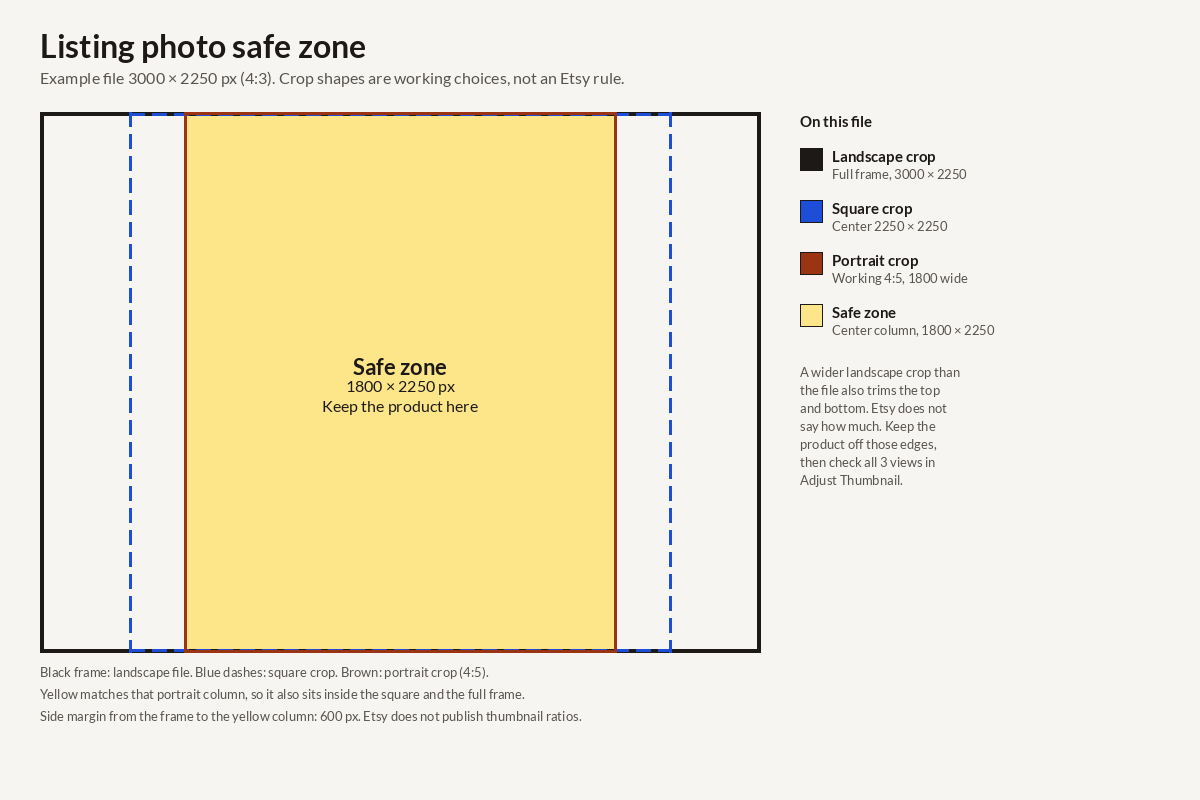
| Step back, put the important part in the center, and leave a border. | Thumbnail framing | Recommended | ”Try to capture images of your item further back than you think you’ll need.” “Make sure the most important part of the item is focused in the center.” Leave “enough of a border” for square, portrait, and landscape thumbnails. | Image requirements |
| Make the first photo a horizontal frame of the whole item. | First-photo shape | Recommended | ”The first photo in a listing should be horizontal (landscape) or square.” The same section also says: “Avoid square crops. Upload horizontal or landscape images.” | Image requirements |
| Put the clearest realistic photo in the first slot. | First image buyers see | Recommended | ”Make your first listing photo the clearest, most realistic representation of the item buyers will receive.” | Image requirements |
| Leave a watermark off the photo. Put a logo or packaging in the scene. | Watermarks | Recommended | ”we generally wouldn’t recommend them.” Watermarks make photos “unsuitable for features within Etsy (like Etsy Finds emails), and ineligible for off-site advertising programs like Google Shopping.” Include a logo or packaging “within your listing image (but not as an overlay).” | Protect listing images |
| Stop when the set is clear. | How many photos | Limit | ”You can add up to 20 photos…” | Create a listing |
If a photo used AI, image requirements says: “If you use AI to edit any of your listing photos, note whether images were edited in your listing description.” That line is with the best practices on the same page.
Light, background, and a steady phone
Use natural light and leave the flash off. The Etsy Seller Handbook (archived copy, September 30, 2025) says: “Use good lighting: Natural light is best to capture accurate colors and details. Avoid using flash, which can create harsh shadows.” The same page says: “Keep the background simple: A clean, neutral background ensures the focus stays on your product.”
Keep the phone still. The Etsy Seller Handbook (archived copy, July 15, 2023) lists a camera or smartphone, and a tripod, as essential for the shoot, and says: “Stabilize your camera by placing it on a tripod or solid surface, such as a sturdy stack of books.”
On files other than the required unedited photo, image requirements still allows a lighting or color adjustment.
Shoot the unedited photo before you edit anything
Take the untouched file before the frames you plan to change.
Put the item on a background that is really there, such as a table, a wall, or the floor. How the requirements apply says an unedited photo “should show the actual item against a real background and must not be edited or changed in any way.” Take the photo and leave that file out of the editor. No crop, no light or color change, no resize, and no new background.
Then shoot the other views: more sides, a detail, a scale shot, and any frame you want to adjust. Do those edits on copies.
Allowed on the copies, from the same two Help pages: adjust lighting or color, crop or resize, or change the background, including with AI. How the requirements apply says: “Apart from your unedited photo, you can use AI-assisted tools to crop or resize images, adjust lighting or color, or change backgrounds. These edits are allowed as long as they accurately represent your item.”
Not allowed on any photo: “Don’t use AI to hide damage or change an item’s appearance in a way that could mislead buyers.” The image requirements page uses the wider line, for editing in general: you can’t hide flaws, conceal damage, or make the item look different from what the buyer will receive.
The untouched file can sit in any slot, and the first photo should be the clearest realistic picture; Etsy listing photo size covers that choice.
Etsy auto-rotates listing photos from information in the image file. If a photo still uploads sideways, the image requirements page says to retake it while holding the camera in a different position, or rotate it in an editor. A rotated copy is an edited file, so the untouched original stays in the set.
Photo requirements by what you sell
These rows come only from How Do Etsy’s Listing Image Requirements Apply to My Listings?. If that page has no row for the type, the cell says so.
| What you sell | What that page says |
|---|---|
| Handmade physical item | not listed on the page as of Oct 31, 2026. The page’s general line is that most items need at least one unedited photo of the item on a real background. |
| Print-on-demand | ”If a production partner prints your original design on a standard base product (like a t-shirt or mug), you may use a stock photo mockup, if the stock photo’s owner has authorized its use.” Sellers comparing bulk mockup tools can read the Dynamic Mockups review for POD and Etsy sellers. |
| Digital downloads | ”If your item has a visual component, such as a printable or template, include a preview of the actual content buyers will receive. For digital items without a visual component, you may use representative imagery, including AI-generated images, as long as it doesn’t mislead buyers about what they’re purchasing.” |
| Custom or made-to-order | ”For customized items you make yourself, use photos of real, finished items you’ve made in the past to help buyers see the quality of your work.” |
| Patterns | The page groups craft patterns, recipes, seeds, or similar items: “Include at least one real, unedited photo of something made using your product. AI-generated images cannot be the only images used to show the finished result.” |
The print-on-demand sentence allows an authorized stock mockup. It does not say that mockup is a substitute for every other line on the page.
Shot list: scale and features the item really has
A phone is enough to start. The Help pages do not require a tripod.
Shoot the frames below. Stop when a buyer can tell what the item is, what the other sides look like, how big it is, and that every feature in the photos is real.
The untouched real-background photo.
The clear landscape photo of the whole item for the first slot, when that is a different file. Image requirements says: “Your first listing photo also dictates the shape of the photos that follow.”
The other sides, in that same shape.
A detail of texture, hardware, or a flaw you will ship. Leave the flaw visible.
A scale photo. Image requirements says images must reflect true scale.
Only a feature the item really has. Image requirements says you can’t use images that create false expectations about what the buyer will receive.
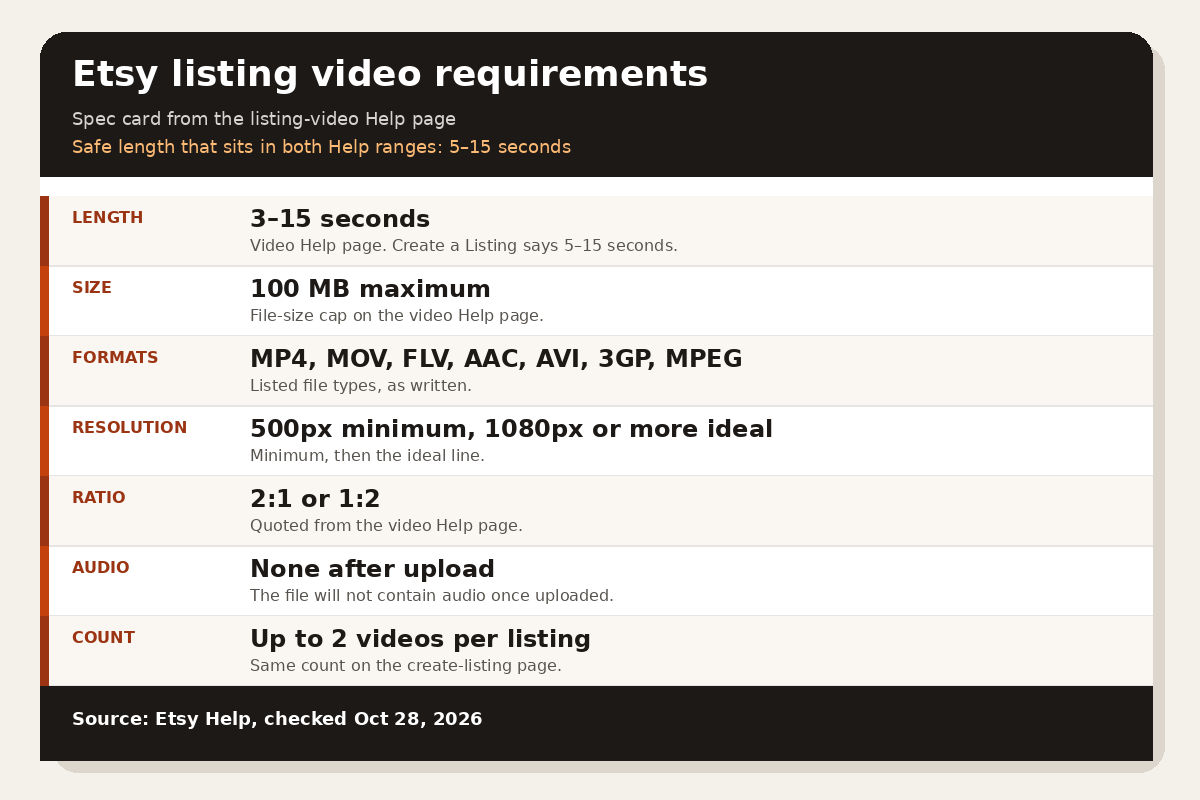
How to Create a Listing says “You can add up to 20 photos”. Empty slots are fine. Listing video is a separate upload, covered in the Etsy listing video requirements.
After the shoot
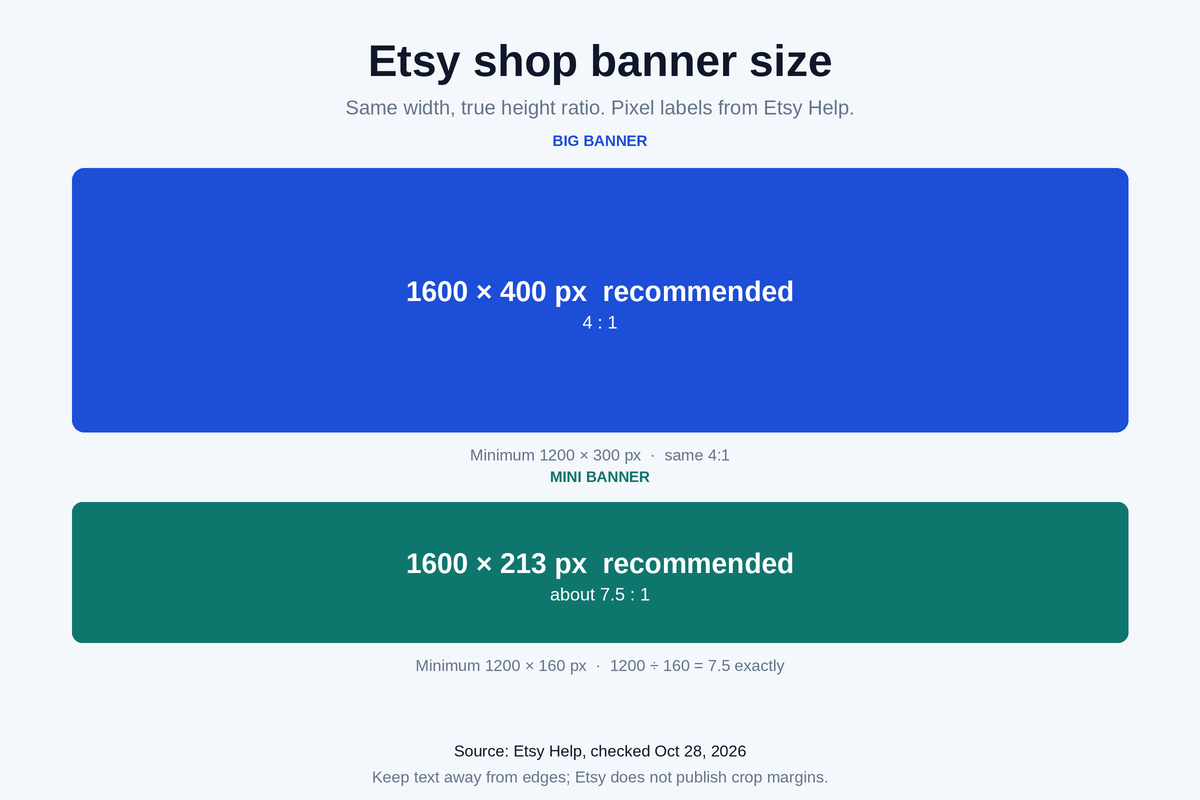
Pixel size, aspect ratio, thumbnail crop, and photos that look soft after upload are covered in the Etsy listing photo size guide. Open that page when you export. Then write the title inside the Etsy title character limit and set the tags using how many tags an Etsy listing can use.
FAQ
Do I shoot the unedited Etsy photo before the shots I plan to edit?
Yes. Photograph the actual item on a real background first, and do not open that file in an editor. Then shoot the views you may adjust. Image requirements says the listing must include at least one unedited photo of the actual item against a real background, and that some exceptions may apply.
Which edits are allowed on the other Etsy listing photos?
Lighting or color, crop, resize, and a background change, including with AI. You may not hide flaws, conceal damage, or make the item look different from what the buyer will receive. Those lines are on the image requirements page and on how the requirements apply.
How many product photos can one Etsy listing hold?
How to Create a Listing says you can add up to 20 photos. Stop earlier when the set already shows the item, the other sides, the scale, and only real features.